
Usage Statistics
The Usage Statistics page gives you a quick overview of how your school is using Ask.School.
How to Get There
Click the Ask.School logo in the top-left to open your Account page, where overall stats — Schools, Total Chatbots, Total Students, and Messages This Month — appear at the top. For per-chatbot statistics, open a chatbot from the dashboard and click the Stats tab in its editor.
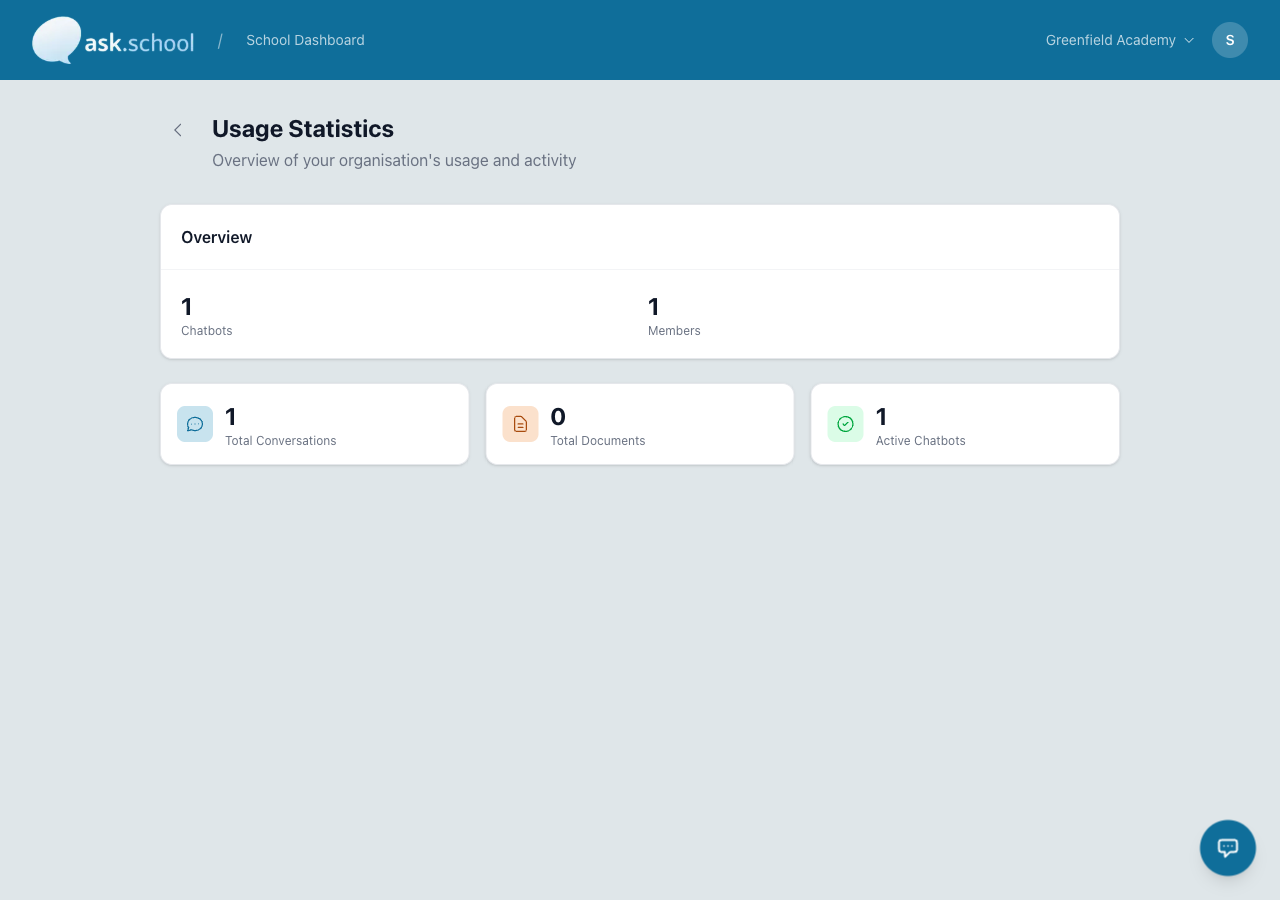 The Usage Statistics dashboard showing chatbot, member, and conversation counts
What you’ll see
Overview
At the top of the page you’ll see summary counts for:
- Chatbots — Total number of chatbots configured for your school
- Members — Total number of users in your organisation
Detail cards
Below the overview, three cards show:
| Statistic | What it measures |
|---|---|
| Total Conversations | The total number of chat conversations across all chatbots |
| Total Documents | The total number of documents uploaded across all chatbots |
| Active Chatbots | The number of chatbots currently enabled and available to users |
All figures are calculated in real time from your school’s data.
Good to Know
- Statistics cover all chatbots in your organisation, not just the ones you manage.
- Conversation counts include both logged-in and anonymous (public chatbot) conversations.
- For billing and cost information, see Billing & Subscription.
Next Steps
- Billing & Subscription — View costs and manage your plan
- Creating Chatbots — Manage your chatbots
- School Profile Settings — General school configuration