
School Day
The School Day settings let you define your school’s daily timetable. When configured, the chatbot can answer questions like “What time is lunch?” or “When does Period 3 start?”
How to Get There
From the School Dashboard, click The School Day in the left sidebar under Your School.
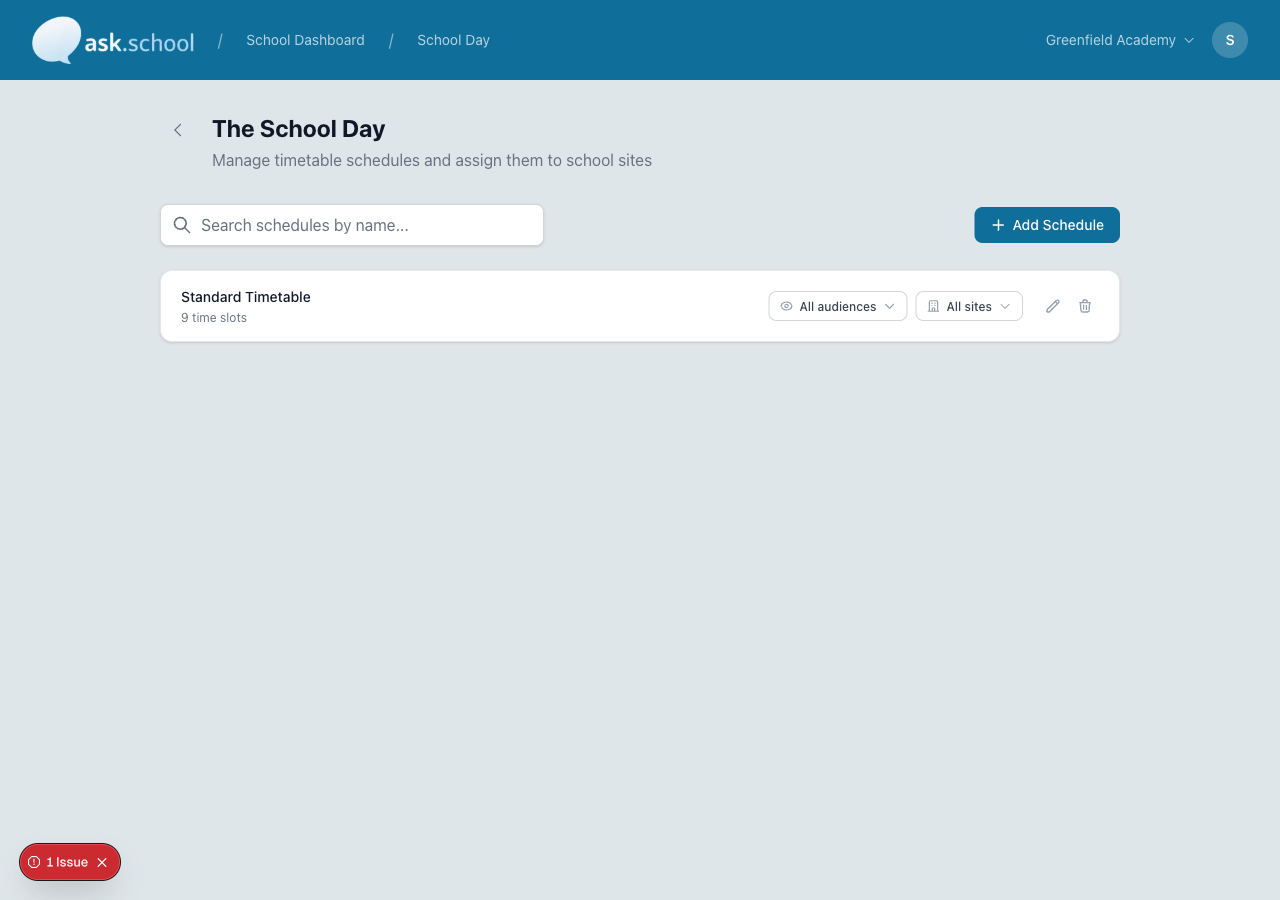 The School Day settings showing a timetable schedule with time slots
What it does
You create one or more daily schedules, each containing a list of time slots (registration, lessons, break, lunch, etc.). The chatbot uses these schedules to answer questions about the school day.
Adding a schedule
- Go to Settings.
- Find the School Day section.
- Click Add Schedule.
- Give the schedule a name (e.g., “Normal Day”, “Wednesday Early Finish”, “Sixth Form”).
- If you have multiple school sites, select which sites this schedule applies to.
Adding time slots
For each schedule, add the time slots that make up the day:
- Click Add Slot.
- Enter a label (e.g., “Registration”, “Period 1”, “Break”, “Lunch”).
- Set the start time and end time.
- Repeat for each part of the day.
Example schedule
| Label | Start | End |
|---|---|---|
| Registration | 08:30 | 08:45 |
| Period 1 | 08:45 | 09:45 |
| Period 2 | 09:45 | 10:45 |
| Break | 10:45 | 11:05 |
| Period 3 | 11:05 | 12:05 |
| Lunch | 12:05 | 12:55 |
| Period 4 | 12:55 | 13:55 |
| Period 5 | 13:55 | 14:55 |
Multiple schedules
If your school has different timetables for different days or sites, you can create multiple schedules:
- Normal Day — Monday, Tuesday, Thursday, Friday
- Wednesday — Early finish at 2 PM
- Sixth Form — Different timings for sixth form students
Each schedule can be linked to specific school sites, so multi-site schools can have different timetables for each campus.
Good to Know
- The chatbot includes schedule information in its instructions, so it can answer timetable questions naturally.
- If you have multiple schedules, the chatbot will know about all of them and respond appropriately.
- Changes take effect immediately — no need to restart the chatbot.
Next Steps
- Calendars — Add calendar feeds for events and term dates
- School Profile Settings — Other school configuration options
- School Knowledge — Add specific timetable-related Q&As