
Signing Up
To start using Ask.School, you’ll need to create an administrator account and verify your email address. The process takes less than a minute — you’ll fill in a short registration form, confirm your email, and then you’re ready to set up your school.
Step 1: Go to the Registration Page
Visit ask.school/signup to open the Register Your School form. You’ll see fields for your name, email address, and a password, with a built-in note reminding parents and students that they don’t need to register here.
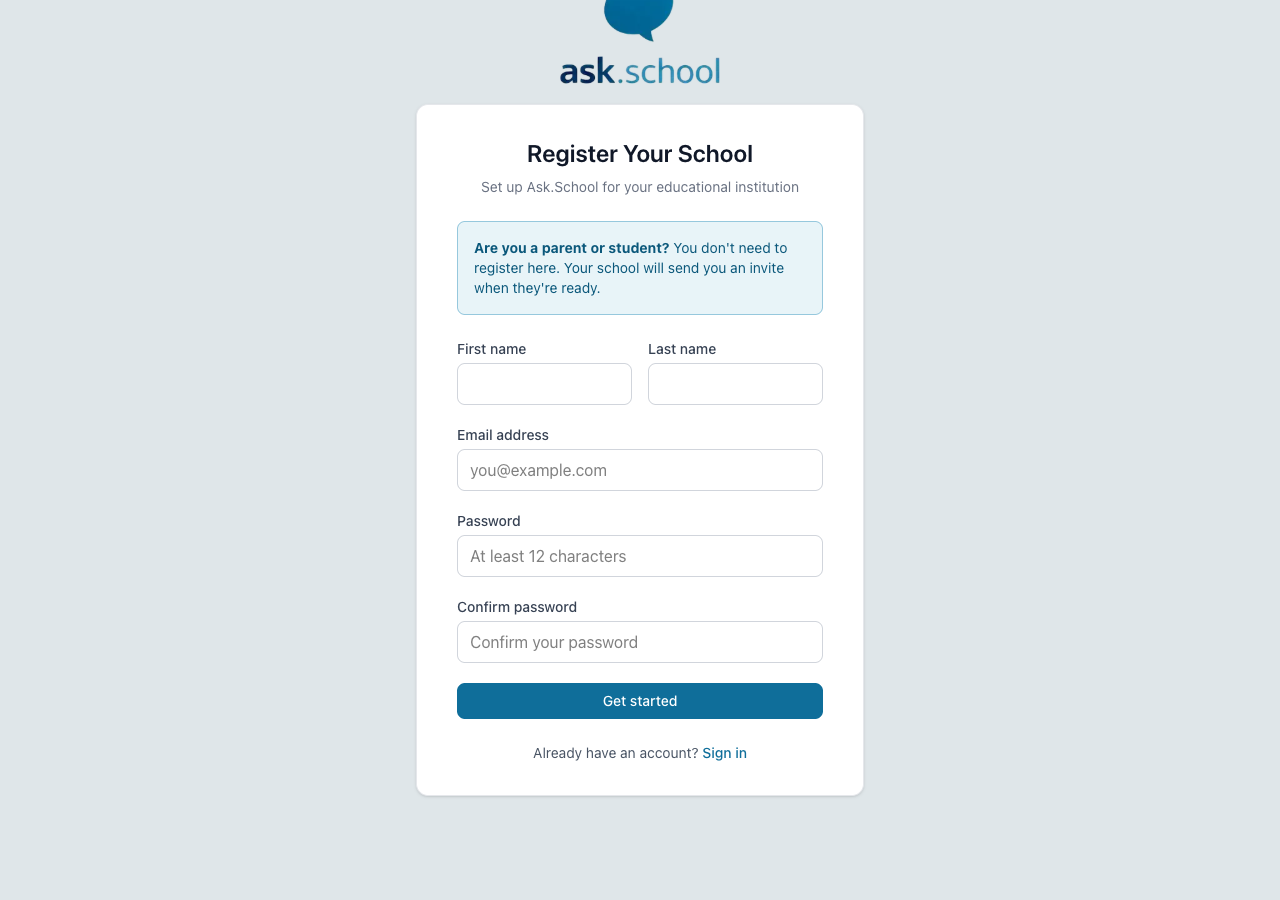 The Register Your School page
Step 2: Fill In Your Details
Complete the registration form with the following information:
- First name — Your first name.
- Last name — Your surname.
- Email address — Your school email address. This will be used to sign in and receive notifications.
- Password — Choose a secure password. It must be at least 12 characters long.
- Confirm password — Re-enter your password to make sure it matches.
Once you’ve filled everything in, click the Get started button.
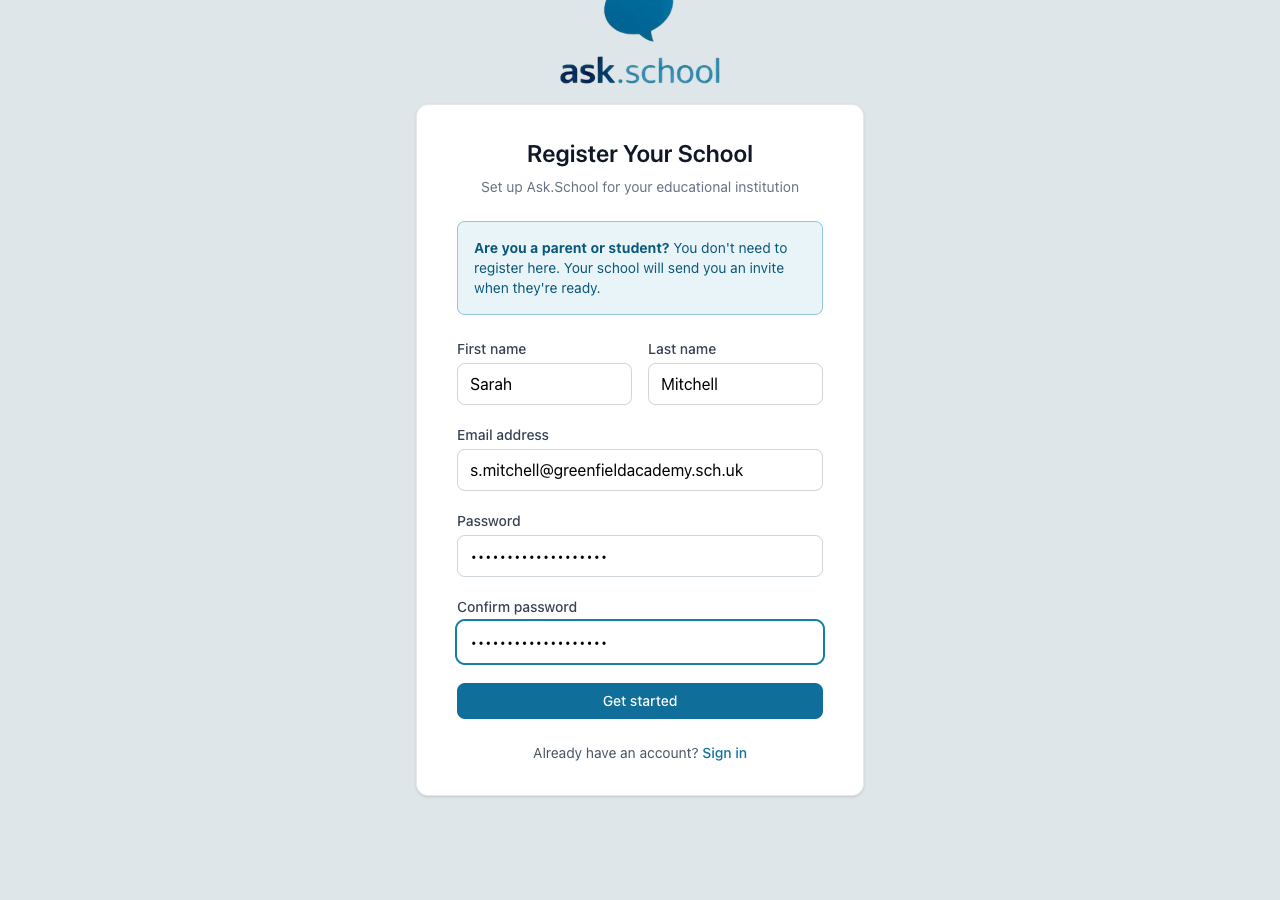 The registration form filled in and ready to submit
Step 3: Check Your Email
After submitting the form, you’ll see a confirmation screen telling you to check your email. A verification link has been sent to the address you entered.
Open your email inbox and look for a message from Ask.School. Click the verification link in the email to confirm your account.
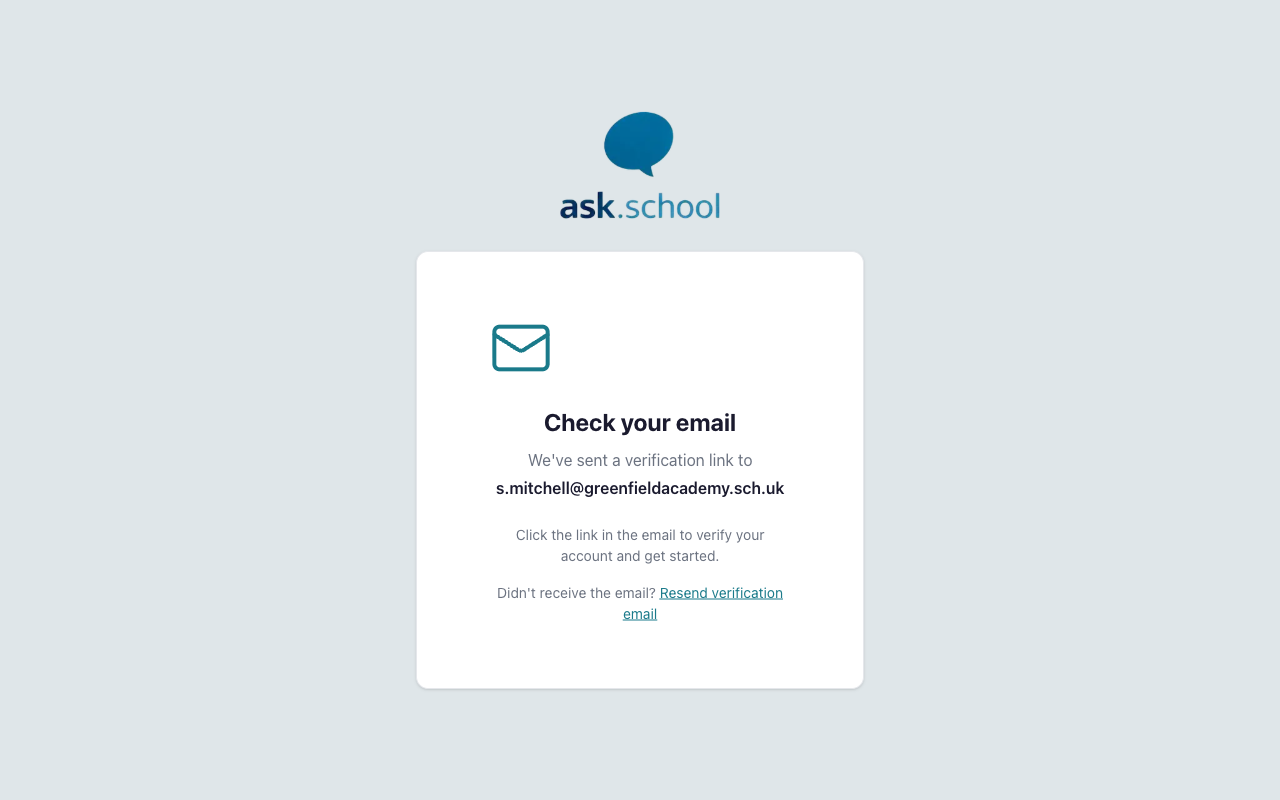 The confirmation screen after submitting the registration form
Step 4: Verify Your Email
When you click the verification link in the email, you’ll be taken to a success screen confirming that your email address has been verified. You’ll be automatically redirected to the dashboard after a few seconds.
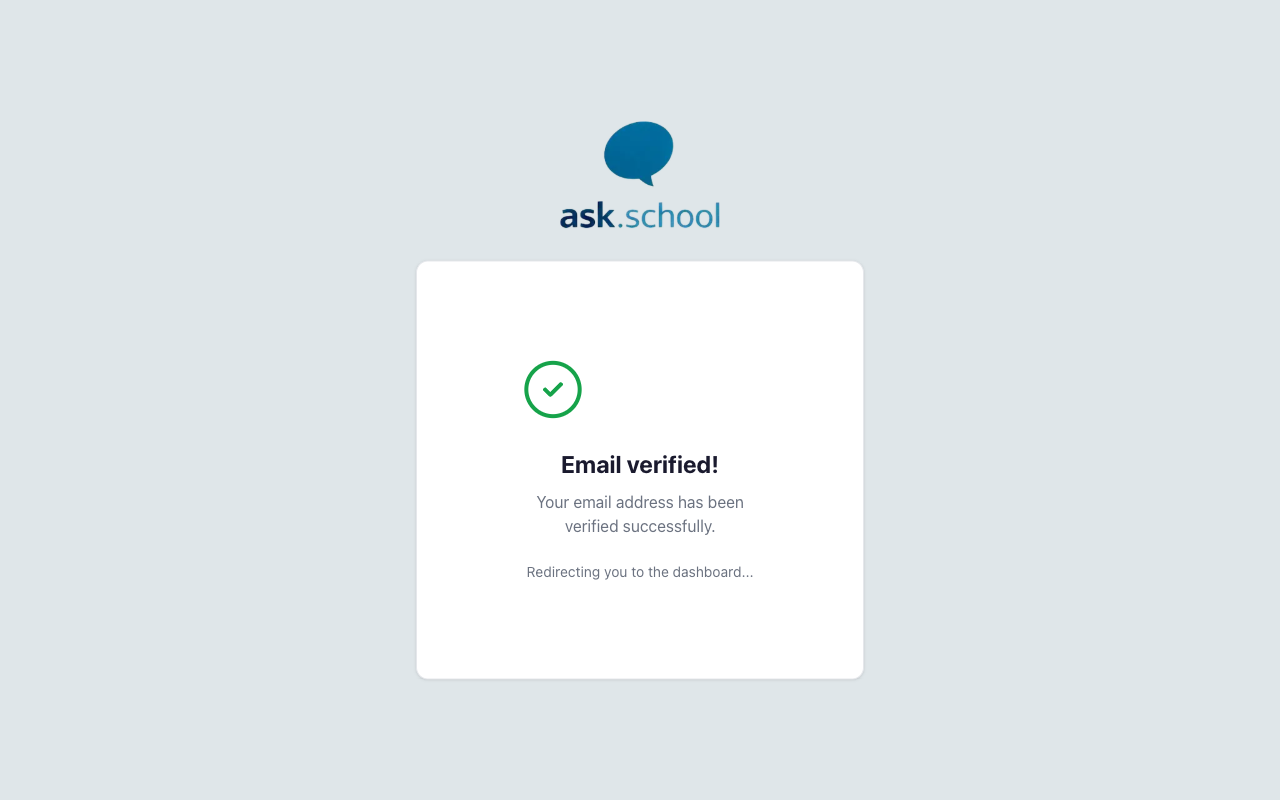 The success screen after verifying your email address
Next Steps
- Creating Your School — Create your school profile so you can start adding chatbots
- Getting Started — Walk through the full setup checklist
- School Profile Settings — Configure your school’s basic information and profile description