
It looks and sounds like your school
Every chatbot can have its own logo, colour, welcome message and starter questions. Underneath, a school-wide style guide keeps the tone consistent — so your parent chatbot, your staff chatbot and your sixth-form chatbot all sound like the same school, even if they look quite different.
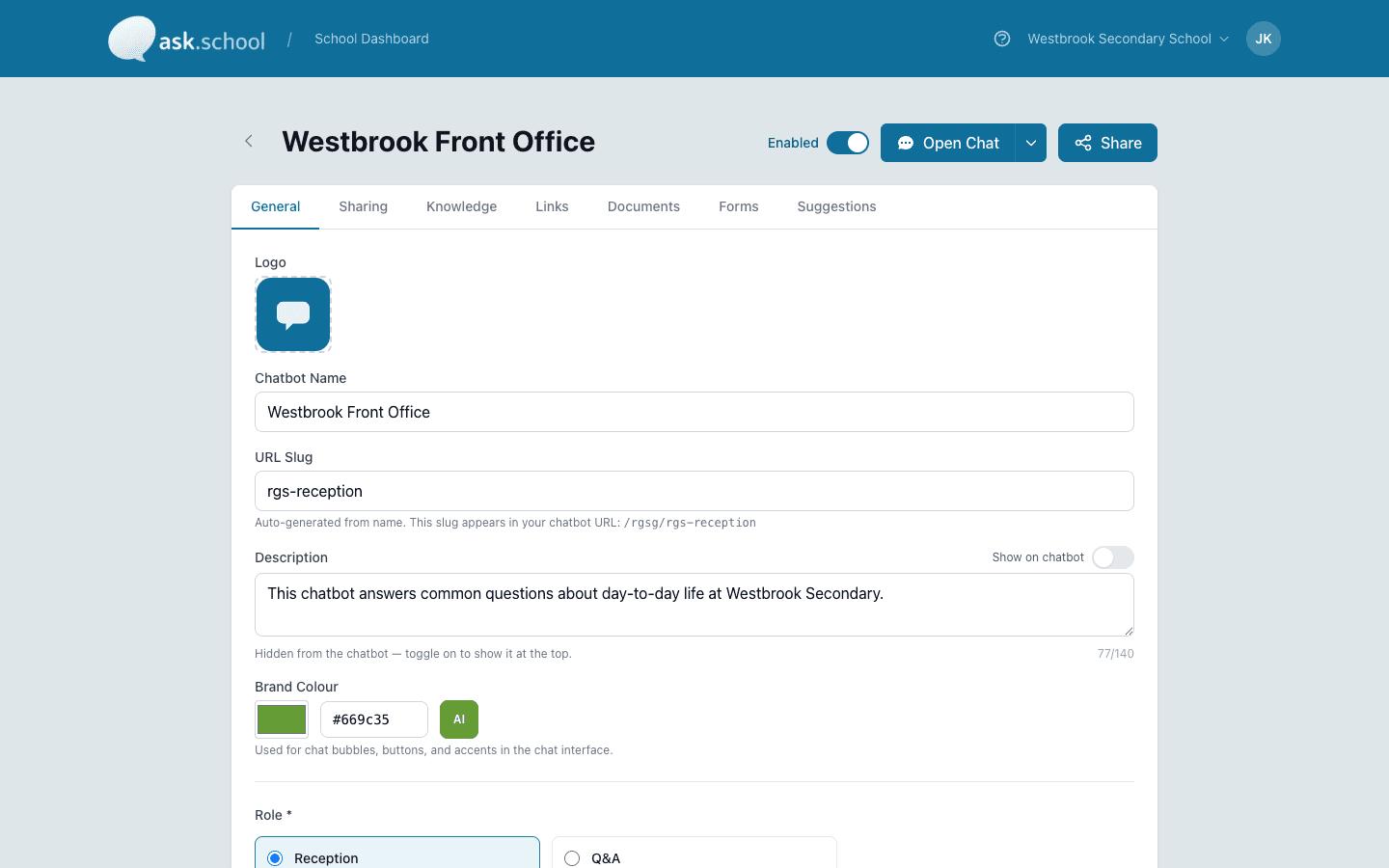
Pick a logo, pick a colour, write a welcome — the chatbot looks the part in minutes.
The capability, in plain English
Your logo and your colour
Upload your school crest or a department badge. Pick a colour for the chatbot's bubbles and buttons. Each chatbot can have its own — they don't have to look the same.
Your welcome message
The first thing every parent or student sees. Say what the chatbot helps with, what it doesn't, and where to go for a real person if they need one.
Starter questions
A few quick-tap suggestions to get the conversation going — especially helpful for younger children who don't always know what to type.
One voice for the whole school
Write down the things you'd want every chatbot to say (and not say) — formal or chatty, first names or surnames, the phrases that feel right for your school. Every chatbot uses the same voice underneath.
Templates for the things you say in every reply
School info, contact details, useful links, the knowledge base — the bits that show up in every conversation can be set once at the school level. They drop into each chatbot automatically.
Branding on email too
Your school's logo appears at the top of invitation emails, password resets, and any other messages Ask.School sends to your community.
Ready to see this in your school?
Start a free 14-day trial. No credit card required. Cancel any time.